
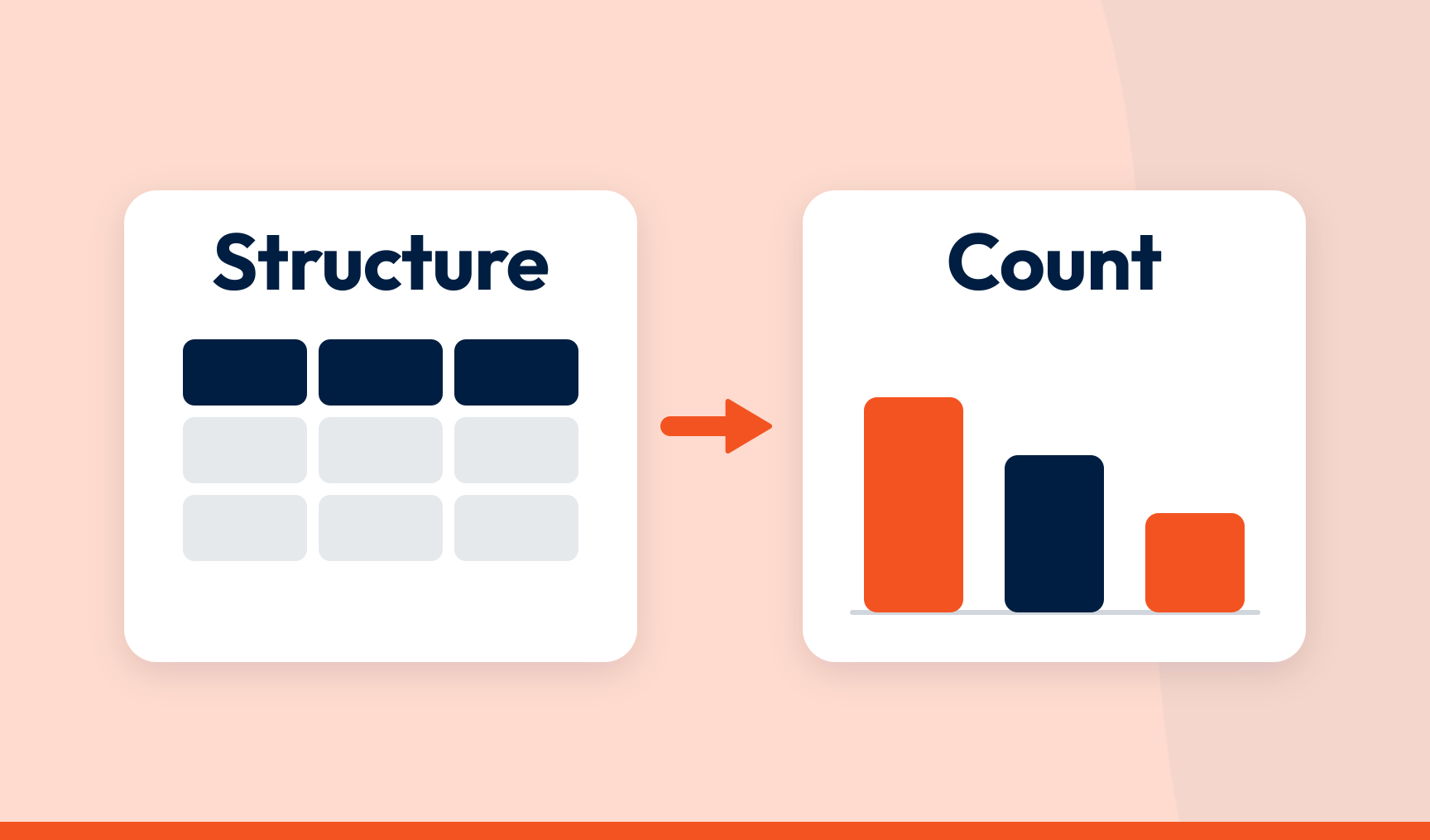
Copilot should not be the tool that structures your customer feedback. Give it raw comments and you get a reading of the text on that day, with nothing stored and no way to explain how it grouped things. Use SmartCX to structure your feedback data into topics and score it for sentiment, send that data to Power BI or Excel, and then ask Copilot your questions. Now it has something to count.
Key takeaways
- Copilot is a querying tool. Used to structure raw feedback, it produces an opinion you can’t repeat or explain
- The same comments run twice give two sets of themes. A board notices. A regulator definitely notices
- What matters is what went into the spreadsheet or the report, not which tool sits on top
- Topics and sentiment applied by one method, stored against every response, is what makes feedback queryable
- On structured data, Copilot counts. On raw text, it writes
You run the CX programme. Every quarter you stand up and say what people think and what should change because of it. Sometimes the room is the leadership team. Sometimes it is a regulator.
Either way, the numbers have to hold up. Not persuasive. Robust.
That is the whole Copilot question. It has nothing to do with Microsoft or where the data lives. It is about which end of the process you point it at.
The wrong end
The survey export lands in Excel. Column F is 3,000 open-text comments. The Copilot button is right there in the ribbon.
You press it. Everyone does.
‘Summarise the themes in this feedback.’ Thirty seconds later, five plausible themes and a sentence on each. Not stored anywhere. Not produced by a method you could describe. Not attached to a single one of the 3,000 comments in a way you can inspect.
Run it again on Wednesday. Similar list, different names, different edges, two Monday themes now merged into one. That isn’t a bug. That is what a text generator does when you hand it text.
Now picture Monday’s themes in front of the board, or the Ombudsman. Someone asks why the assistant grouped those comments that way and not another.
Silence. The tool can’t tell you. So you can’t tell them. And you cannot stand behind a number when you don’t know how it was made.
Copilot wasn’t designed for that job. Using it to do the structuring is asking a writer to be a database.
What ‘structured’ actually means
Every response broken into mentions, the phrases where someone says one thing about one topic. Each mention filed under one topic and scored for sentiment, using one method for every source. Every mention stored, with its topic and sentiment, against the original response.
Do that and feedback stops being text and becomes data. A row per mention. A topic column. A sentiment column. Customer ID, channel, location alongside. Counts are counts. March and June were measured the same way, so the gap between them is real. Any figure opens to the comments behind it, which is drilling down to the verbatim in practice.
Here is the bit that gets missed. Structured data is queryable wherever it lives. In SmartCX. In Power BI. In an Excel sheet you exported from either. The container doesn’t make it robust. What went in does.
The right end
Now put Copilot on top of that.
Ask Copilot for Power BI how complaints about the claims process moved this quarter. It counts the mentions with that topic, compares them with last quarter, gives you a figure. Ask which regions drove it. It slices by location. Ask what people actually said and it points at real comments, because they are rows in a dataset, not a paragraph it has to remember.
Same assistant. Completely different behaviour. This time it has data to count instead of text to describe.
One more difference, and it is the one that matters in a board pack. On structured data, Copilot can tell you when the answer isn’t there. On raw text, a general model has no such floor. It fills the gap with a plausible number, a plausible theme, a plausible quote, all in the same confident voice as the real ones. On structured data there is no gap to fill. The count exists or it doesn’t.
That is the version that works. SmartCX does the structuring. One method across surveys, reviews, tickets and social, every mention stored with its topic and sentiment. It connects to Power BI, so the structured feedback sits next to churn, revenue and complaint volumes on the reports leadership already reads. With a Copilot licence, Copilot for Power BI can query the lot. SmartCX gives every team one trusted data foundation for every dashboard, decision and action. Copilot just becomes another way of asking it questions.
Where the line is
| Copilot on raw comments | Copilot on structured feedback |
|---|---|
| Themes generated fresh each time | Topics applied by one method, held steady across periods and sources |
| Can’t say why it grouped things the way it did | Every figure opens to the mentions and comments behind it |
| Numbers that read well | Numbers that are counts |
| Fills gaps with plausible text | Says when the data isn’t there |
| A first look | A board pack, a regulatory return, a budget decision |
Copilot isn’t the problem. Unstructured data is. Give an assistant a column of comments and it will write you an essay. Give it structured feedback and it gives you a number you can defend, and tells you when it can’t. The same argument, for the assistant most people reach for first, is in where ChatGPT works and where it breaks.
That’s how SmartCX is built. Every response structured into stored, scored mentions by one consistent method, and the results sent to Power BI where your teams, and their assistants, already work. See it on real feedback in our product tour.
Frequently asked questions
Can Copilot analyse customer feedback in Excel?
It can read a column of comments and generate themes and a summary, which is useful for a first look. It does not store the results, apply a repeatable method or attach topics to individual comments, so the output is a reading of the text on that day rather than data you can report from, defend or compare over time.
Why shouldn’t Copilot be used to structure feedback?
Because structuring needs one method applied consistently to every comment, with the results stored. A general assistant produces themes by reading the text, so the same comments give different themes on different days and there is no way to explain why a comment was grouped as it was. Structuring is a data job, not a writing job.
Can Copilot query customer feedback data?
Yes, once the feedback has been structured. If every mention has a stored topic and sentiment score, Copilot for Power BI can count, compare and slice that data like any other. The quality of the answers depends on what went into the dataset, not on the assistant.
Can Copilot query SmartCX data?
SmartCX connects to Power BI and sends structured feedback data there: topics, sentiment scores and drivers alongside your business metrics. With a Copilot licence, Copilot for Power BI can query those reports. The structuring happens in SmartCX; the querying can happen wherever your teams already work.
What makes feedback data robust enough for a board or a regulator?
One consistent method for assigning topics and sentiment across every source and period, every mention stored so the history is complete, and the ability to open any figure and see the comments behind it. Those three properties are what let you explain a number and stand behind it.
SmartCX is the VoC platform that helps CX teams turn feedback data into CX intelligence the whole business can act on. Watch the product tour or talk to us about getting structured feedback into Power BI.