
Picture a feedback platform with excellent dashboards and four regular users, all in the CX team. Everyone else works in the CRM, the helpdesk or a BI report, and never logs in. The insights are good. They just aren’t where anyone is looking.
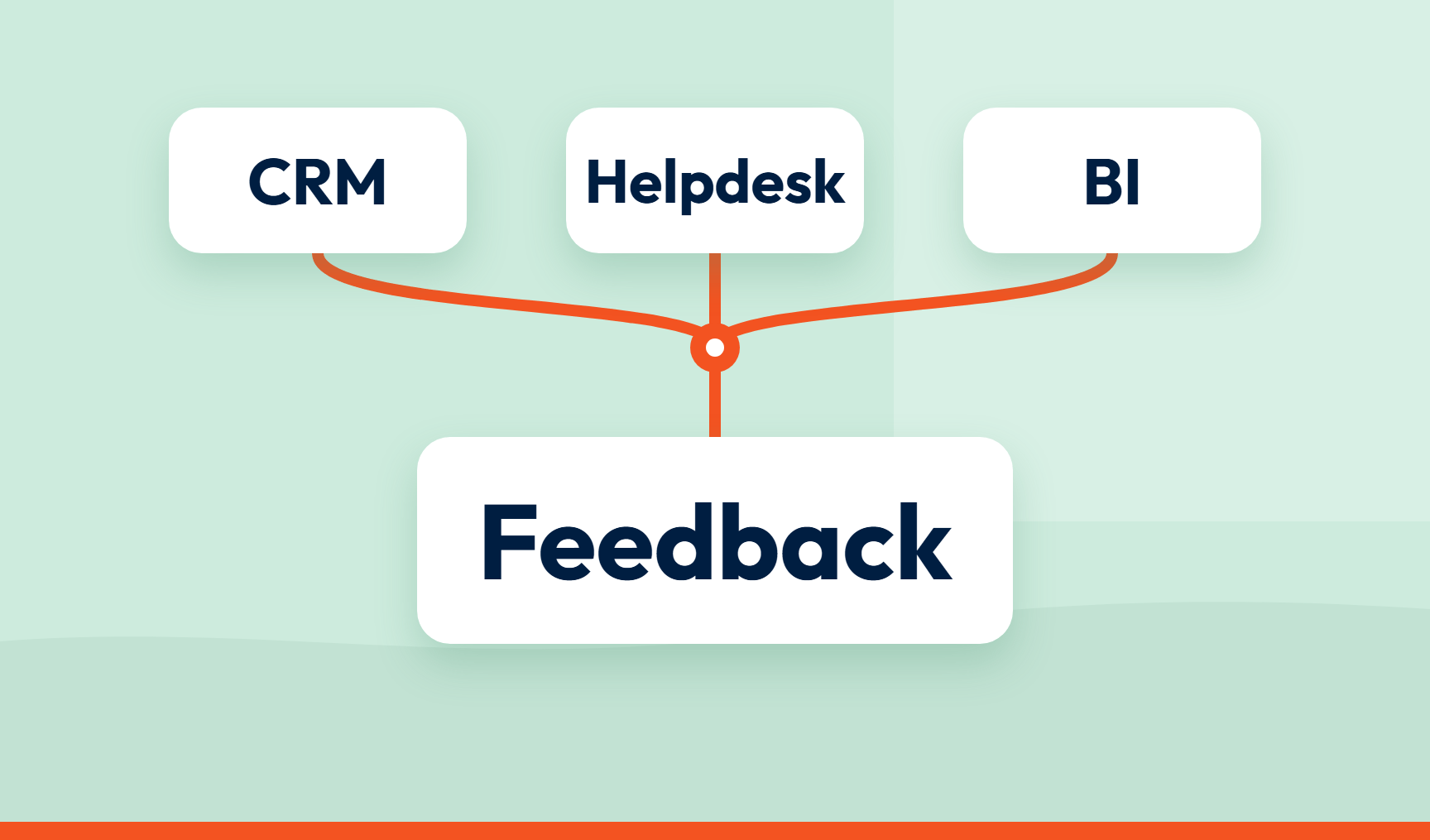
Customer feedback integration means connecting your feedback platform to the CRM, helpdesk and BI tools your teams use, so CX intelligence arrives where decisions are made and work gets done.
Key takeaways
- The best feedback platform is the one other teams never have to open. Insights should arrive where the work already happens.
- Integration serves both loops: tickets and cases in the helpdesk or CRM for individual issues, and BI dashboards for patterns.
- An existing integration can save time, but check what it passes across. Building your own gives control but needs ongoing maintenance.
- Ask what travels with the insight: the verbatim, the topic, the score and the customer.
Why standalone feedback tools become insights graveyards
Teams work in the tools they’re measured in. A frontline manager lives in a helpdesk queue. An operations lead lives in a BI report. Asking either of them to log in to a separate feedback tool means another password, another place to look and another reason not to bother.
The CX team ends up as the relay. It exports findings, pastes them into slides and emails them round. That’s slow, and the insight is stale by the time it arrives.
Two loops, two destinations
Closing the loop has two halves: resolving individual issues (the inner loop) and fixing the causes behind them (the outer loop), as set out in closing the loop in customer experience. Each half needs a different destination.
Inner loop: tickets and cases where the team already works
For individual issues, the destination is the helpdesk or CRM. If a tenant reports damp and mould, for example, the aim is for a ticket or case to reach the repairs team’s existing queue, rather than sit in a separate feedback tool. What gets passed across, and whether a case is assigned to a named owner, depends on the integration and how it’s configured. How to route and track those cases is covered in how to close the inner loop. This article is about where they land.
Outer loop: CX intelligence beside the data leaders track
For patterns, the destination is the BI dashboard. Imagine a retailer’s delivery feedback sitting in Power BI beside delivery performance and contact volumes, in the report leaders already open. Leaders can see the pattern alongside the operational data they already track, rather than having to find it in a separate deck. That makes it easier to share CX intelligence across the business. Why these fixes so often stall is covered in why closing the outer loop is harder for CX leaders.
Connect or rebuild?
Some teams build their own connections using exports, scripts and custom pipelines. That gives them control and flexibility, but someone still needs to build, maintain and monitor them.
An existing integration can be quicker to set up, provided it supports the fields and actions you need. The connector may be maintained for you, but you’re limited to what it supports. The right choice depends on your tools, your engineering capacity and what you need to pass across. Whichever route you take, ask:
- Does it cover the CRM, helpdesk and BI tools we use?
- What travels across: just the score, or the verbatim, topic and customer too?
- Does it create something in the destination, such as a ticket or a record, or only a link back?
- Who maintains it, and what happens when a field changes?
What good looks like
An insight that arrives in the right tool still has to be usable. Ideally it carries its context: the verbatim, the topic, the score and, where available, enough customer information to identify the source, alongside clear ownership. What makes a finding ready to act on is covered in what makes customer insights actionable.
What SmartCX connects to
SmartCX connects to 297 platforms, including CRM tools such as Salesforce and HubSpot, helpdesk tools such as Zendesk and BI tools such as Power BI. The integrations page has filters to find out whether there’s a native integration with your platform, and you can get in touch about a custom integration. Where there’s no ready-made connector, webhooks and the API are available. Workflows can trigger alerts, follow-ups and case creation. Teams can connect their tech stack and push insights into the tools they already use.
What you can do right now
List the five teams who most need to act on customer feedback. For each, write down the tool they open first each morning. Then check how many of them receive any CX intelligence there. If your feedback tool isn’t on any of those lists, you’ve found your gap.
How SmartCX helps
For CX leaders and managers who need to turn scattered feedback into decisions the business acts on, SmartCX gives every team one trusted data foundation for every dashboard, decision, action and AI workflow.
SmartCX, a VoC platform, brings surveys, reviews, support tickets, call transcripts and behavioural signals into one place, then pushes insights into your CRM, helpdesk and BI tools, so teams get customer context in the tools they already use. That puts actionable intelligence where teams can take action on feedback. See it in a product tour.
Frequently asked questions
What is customer feedback integration?
Connecting your feedback platform to the CRM, helpdesk and BI tools your teams already use, so CX intelligence reaches them where they work.
Why integrate feedback with a CRM or helpdesk?
So individual issues can become tickets or cases in the queue the owning team already uses. Where the integration supports it, the customer’s verbatim can be included too, giving the team useful context without having to return to a separate feedback tool.
Why send feedback into BI dashboards?
Patterns across many customers are easier to act on when they sit beside the operational and commercial data leaders already watch.
What data should flow from feedback into other systems?
Ideally the score, topic, sentiment and verbatim, plus the customer and source where available, so the recipient has the context to act. What a connection passes across varies, so check it.
Should we connect an existing integration or build our own?
It depends. A ready-made connection can be quicker to set up, provided it supports the fields and actions you need, but you’re limited to what it supports. Building your own gives control and flexibility but needs ongoing build, maintenance and monitoring.
What happens when there’s no ready-made connector?
Webhooks and an API let you send data where it’s needed. You can also talk to the vendor about a custom integration.
Want to see how it works? Watch a tour or talk to us.